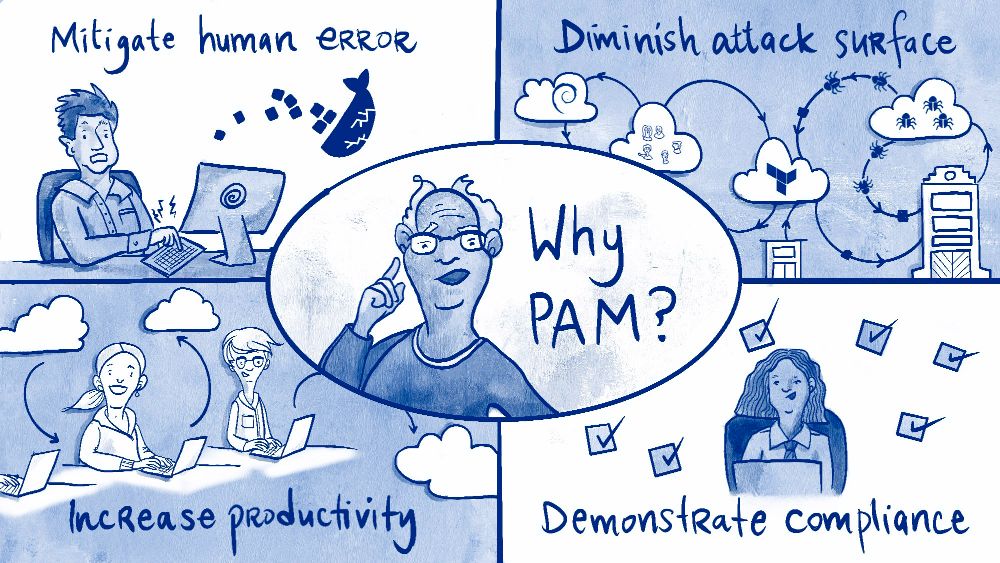
Every technology system manages its security by providing users with different levels of access. This role-based security model offers system administrators greater control and determines the actions each user can perform on the system. The principle of least privilege states that every user should only have the access they need to perform their duties and nothing more. Therefore, increasing the platform's security requires an organization to limit the number of users who have privileges to access administrative functions. Since actions such as accessing restricted information, adding or deleting users, and reconfiguring the application have security and operational ramifications, only trusted users should have the relevant access to perform these tasks.
We often refer to these privileged accounts as superusers or administrators. However, privileged accounts can also refer to non-human system users. For instance, some enterprise services require a system account to access confidential data or restricted networks. You may also have services that rely on shared secrets like encryption keys that grant regular users access. As all these privileged accounts have access to confidential data and secure environments, we need to implement additional security measures to protect them.